
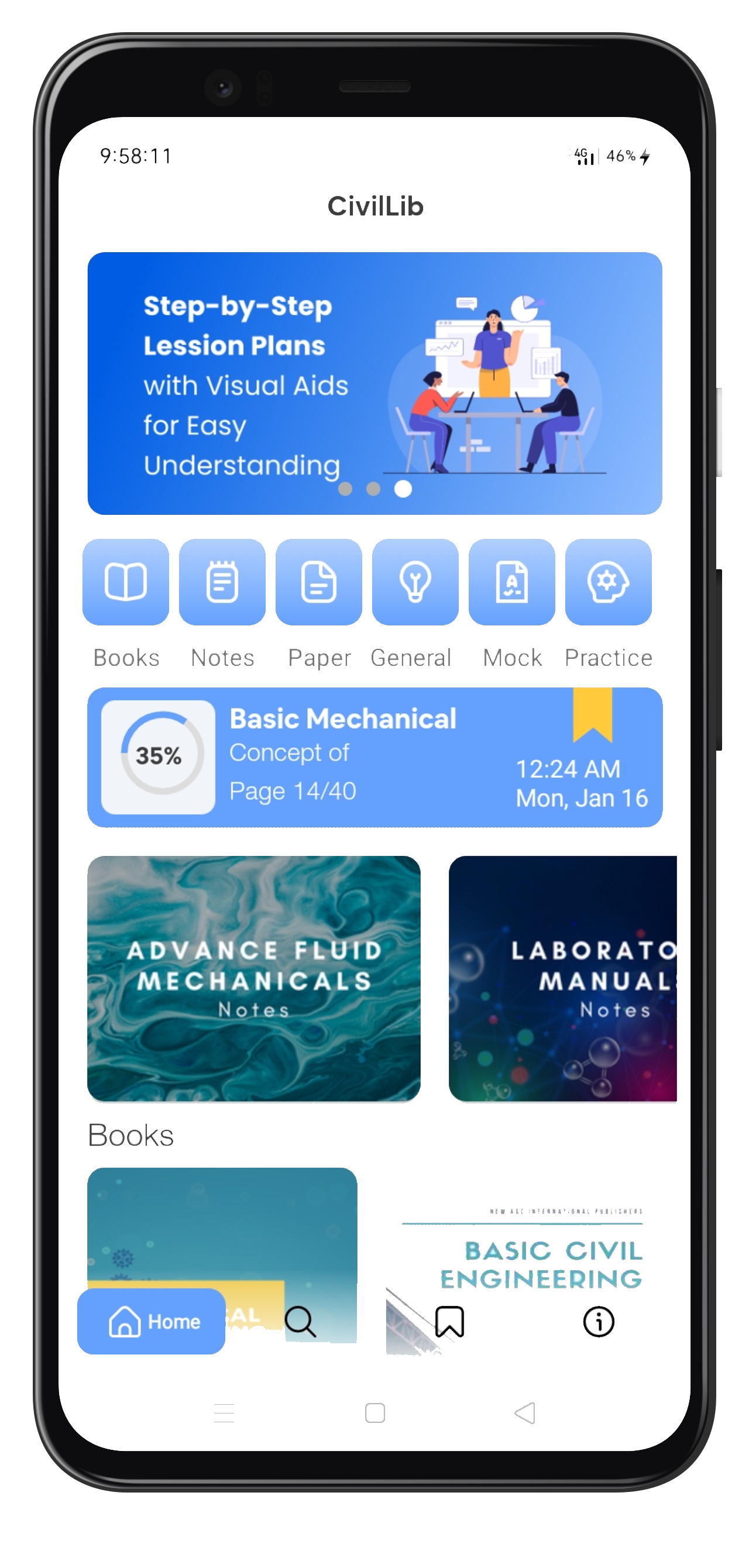
down iconcivillib app

CivilLib

We have compiled a list of Best & Standard Reference Books For Civil Engineering.

Get the App

What is our CivilLib App?

This is some Our CivilLib App is a digital learning platform that offers a vast collection of books and study materials for civil engineering students and professionals. Our app provides an all-in-one solution for those who want to learn and grow in their careers with ease.text inside of a div block.

Key Features of our App

This isOur app's key features are designed to provide you with the best learning experience possible. Here are some of the features that make our app stand out: some text inside of a div block.

Benefits of using our App

This is someOur Civil Engineering Book App offers numerous benefits that will help you succeed in your career. Here are some of the benefits of using our app: text inside of a div block.

ABOUT US

Welcome to CivilLib! We are a team of passionate ANCreatives. who are dedicated to creating educational apps that make learning easier and more efficient.

Our company was founded in 2018 by aditya choudhary with a goal of free civil engineering education. Since then, we've grown to catalog free civil engineering education, and we're constantly striving to improve and expand our offerings.

We believe in free engineering education, and we are committed to sustainable business practices. Our team is made up of talented and dedicated individuals who share our vision and values.

Thank you for choosing CivilLib. We hope you enjoy using our app and that it will make a positive impact on your learning.This is some text inside of a div block.

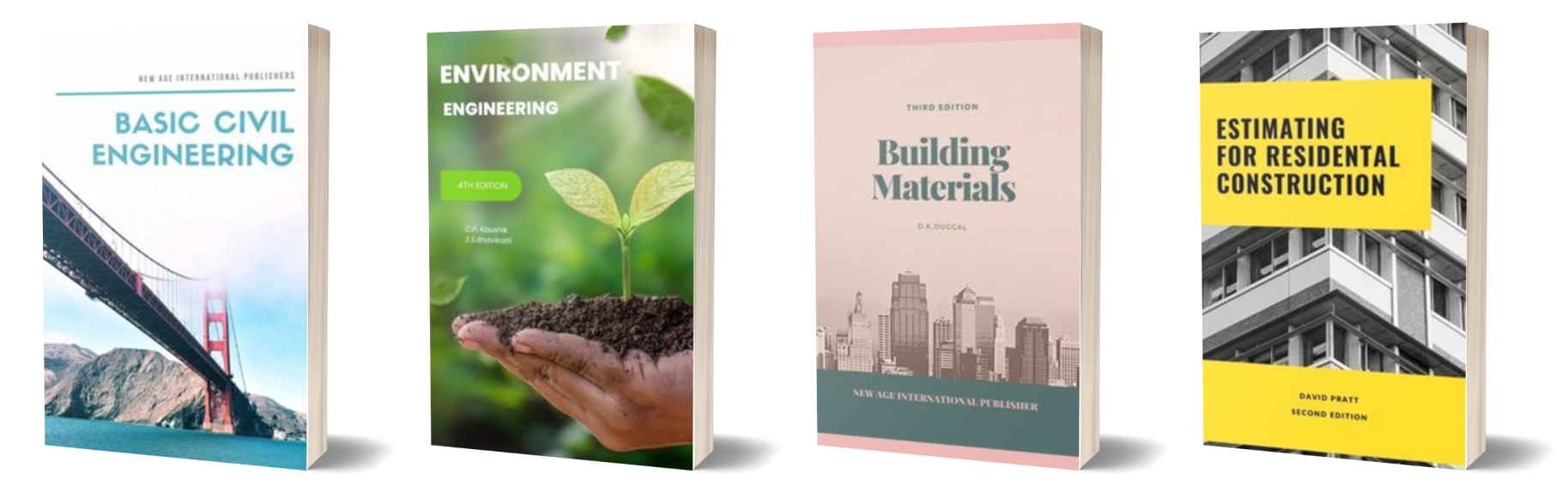
There are many books that are useful for civil engineers, depending on your area of focus within the field. Here are a few classic books that many civil engineers may find helpful:
civil engineering books
Features

Bring your library with you.

There are many features that have been included in the Civillib app, and specific features have been included by professional app developers. Here are just a few examples of the features you'll find in the Civillib app:

civillib features
Bookmarks

Mark your favorite pages with ease.

1. Adding bookmarks: Allow users to add a bookmark to a specific page or section of a book. This can be useful for marking a place that you want to come back to later, or for keeping track of your progress through the book.
2. Viewing bookmarks: Users to view all of their bookmarks in one place, such as a list. This can make it easy to find a bookmark that you have added earlier.
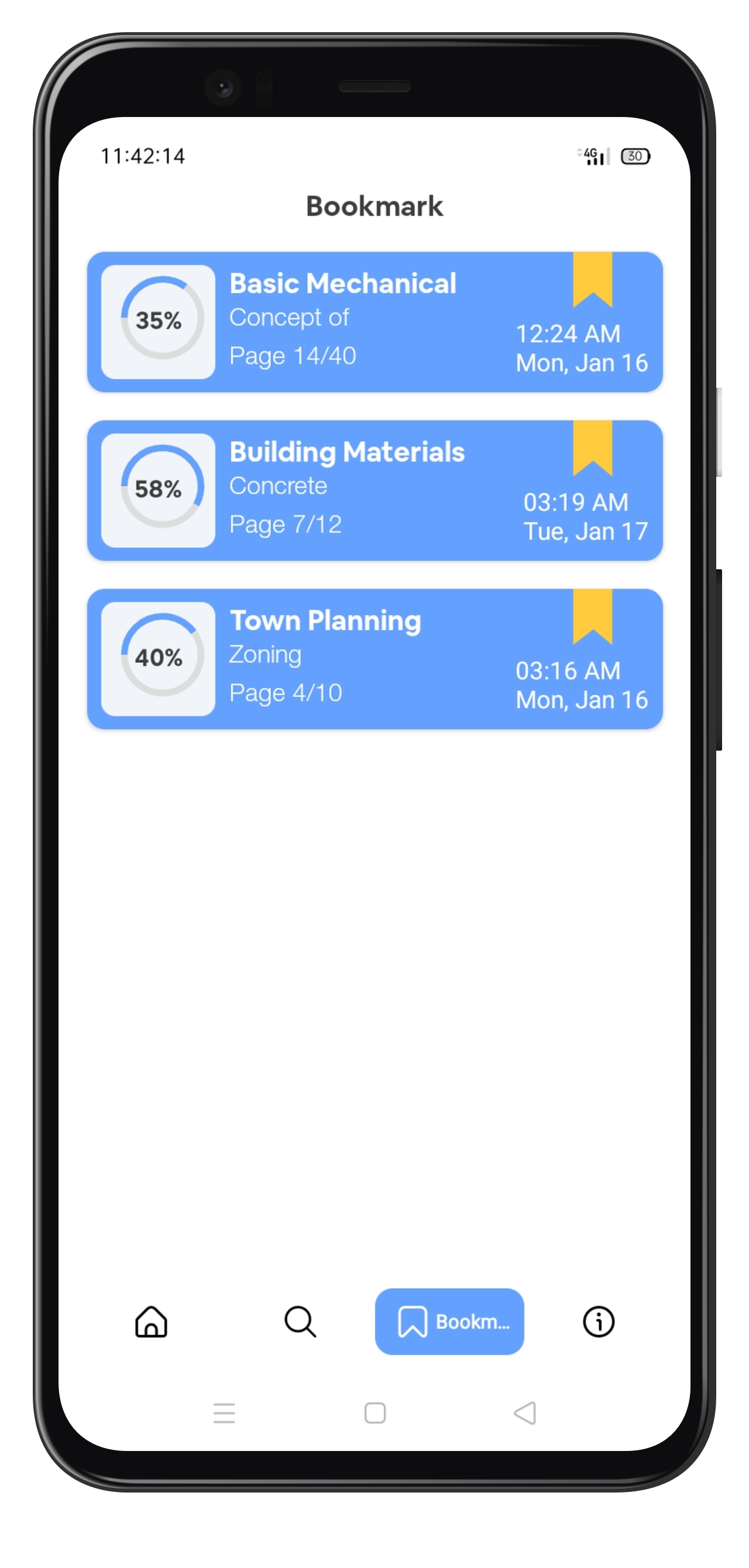
civillib bookmark features
Search filter

Find exactly what you're looking for.

1. Advanced search: This feature allows users to combine multiple search criteria (such as books, notes, and papers) to narrow down their search results.
2. Autocomplete: This feature suggests search terms as the material types, which can help them find what they are looking for more quickly.
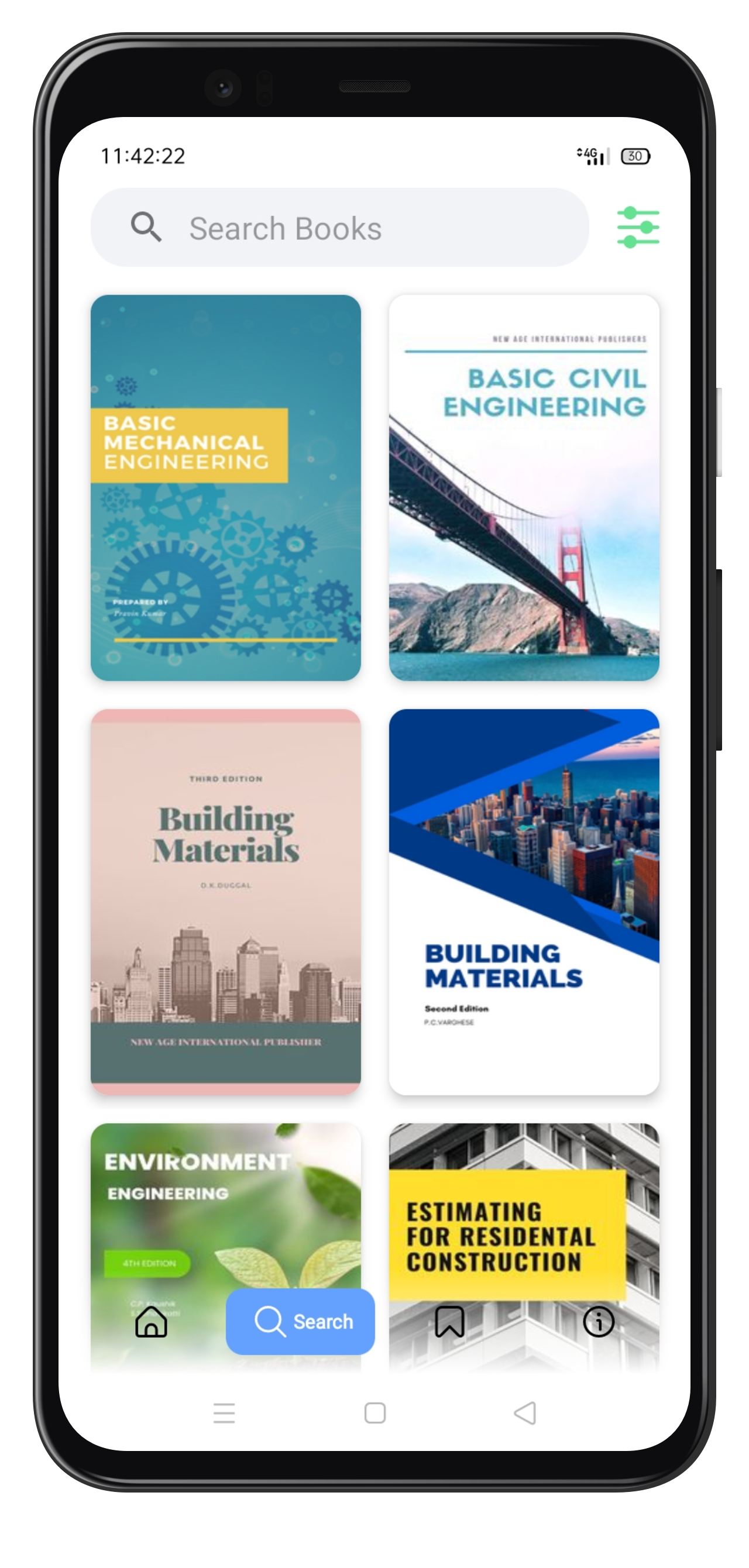
civillib search features
civillib book icon
Books

Reference books on engineering principles, such as handbooks. These books might provide detailed explanations of engineering concepts and formulas.

civillib notes icon
Notes

Engineering notes are written or recorded documents that contain information about engineering concepts, designs, calculations, or other technical information.
civillib paper icon
Previous

Papers

Previous papers can be useful for students preparing for engineering exams, as they can provide a sense of the types of questions that are likely to be asked.

how to use

Reading on the go, made easy

1. Download the app: First, you will need to download the civillib app from the google play store on your device. CivilLib apps are available for free.
2. Browse or search for books: Once you have download the app, you can browse through the available books by using the app's navigation menu or by using the search function. You can usually filter the search results by criteria such as books, notes, or paper to help you find the book you are looking for.
civillib app

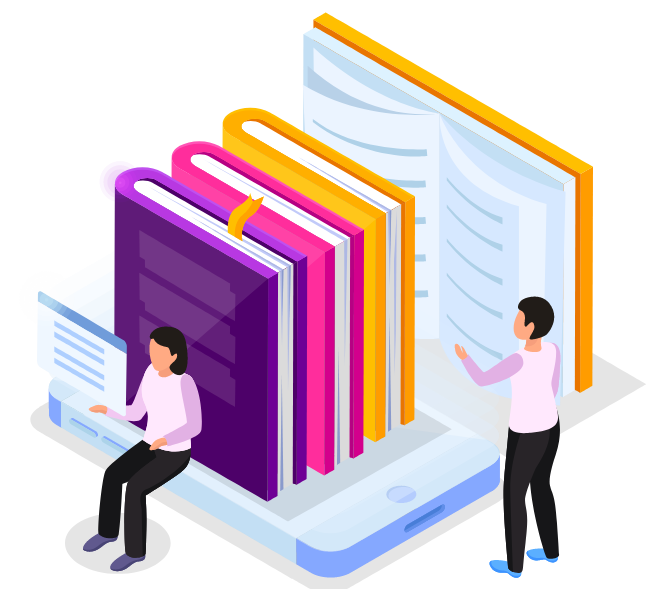
3.Start reading: Once you have browsed the book, you can begin reading it by tapping on the book's cover or bookmarks in your library. You can also use the app's bookmarking and highlighting features to mark important points or passages as you read.
civillib start reading

Ready to get started?

Get updates from CivilLib

New features alerts, books and free lessons
Thank you! Your submission has been received!
Oops! Something went wrong while submitting the form.